

SSH Client
If you're running Windows 11 — the latest version of Windows at the time of writing — then, you already have access to the Windows Terminal app. If for some reason you do not, I recommend installing it, as you really don't need Putty to complete these exercises.
 Microsoft Corporation
Also, in most recent versions of Windows, the ssh.exe client and related binaries should already be installed and ready for use. Below, I've provided some examples of the most basic SSH syntax for connecting to the challenges.
ssh username@127.0.0.1SSH using IP address
ssh username@domain.tldSSH using FQDN
Groot 0 -> 1
groot1:groot1ssh -o 'StrictHostKeyChecking=no' groot1@groot.underthewire.techUse the StrictHostKeyChecking=no option to skip the key verification prompt
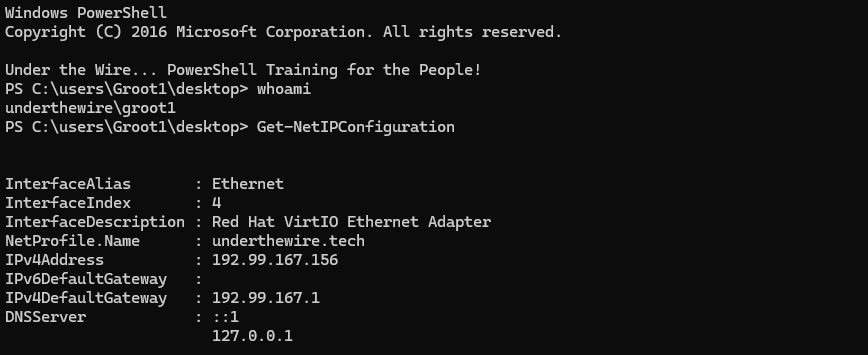
Groot 1 -> 2
The password for groot2 is the last five alphanumeric characters of the MD5 hash of this system’s hosts file.
Get-FileHash -Algorithm MD5 -Path C:\Windows\System32\drivers\etc\hosts
-join((Get-FileHash -Algorithm MD5 -Path C:\Windows\System32\drivers\etc\hosts).Hash.ToLower().ToCharArray() | Select-Object -Last 5)One-liner to output password for groot2
I'll explain the command in a series of bullet points:
- Always work your way inisde-out from the inner-most enclosing
- Inner-most command is
Get-FileHash -Algorithm MD5 -Path C:\Windows\System32\drivers\etc\hosts - Wrap it in parentheses and select the
Hashproperty from the object- Then, convert the string to lowercase with
.ToLower()method - Then, convert it to a series of characters with
.ToCharArray()method
- Then, convert the string to lowercase with
- Pipe to
Select-Objectand target the last five characters of the character array with-Last 5 - Finally, wrap all of that in yet another set of parentheses and
-jointo merge the character array back into a string
464c3Password for groot2
exitExit the challenge
Groot 2 -> 3
The password for groot3 is the word that is made up from the letters in the range of 1,481,110 to 1,481,117 within the file on the desktop.
ssh groot2@groot.underthewire.techNo longer need the additional option, since the host key has already been added to the known hosts list
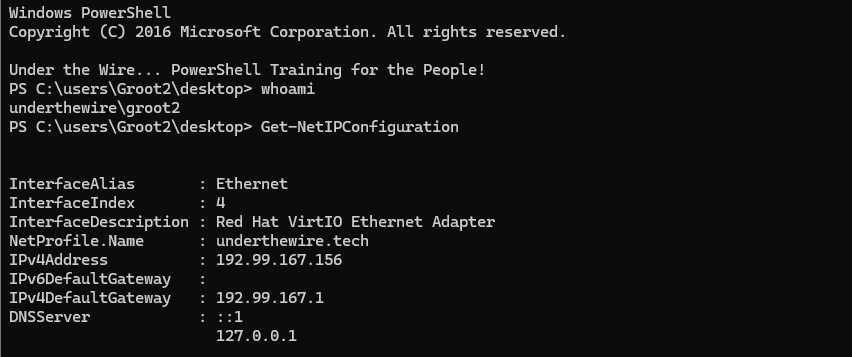
-join(cat .\elements.txt)[1481110..1481117]
hidingPassword for groot3
exitExit the challenge
Groot 3 -> 4
The password for groot4 is the number of times the word “beetle” is listed in the file on the desktop.
ssh groot3@groot.underthewire.tech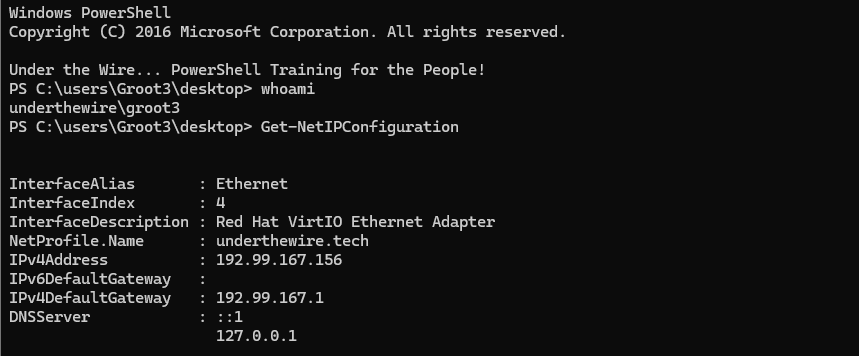
(cat .\words.txt).Split(' ') -like 'beetle' | Measure-Object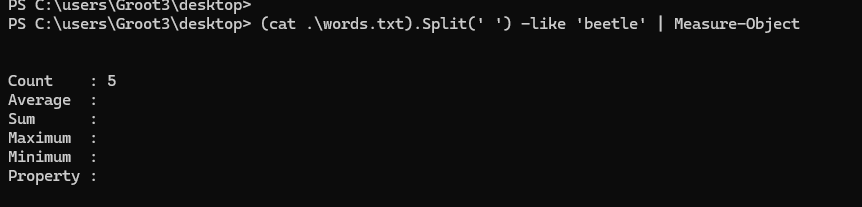
5Password for groot4
exitGroot 4 -> 5
The password for groot5 is the name of the Drax subkey within the HKEY_CURRENT_USER (HKCU) registry hive.
ssh groot4@groot.underthewire.tech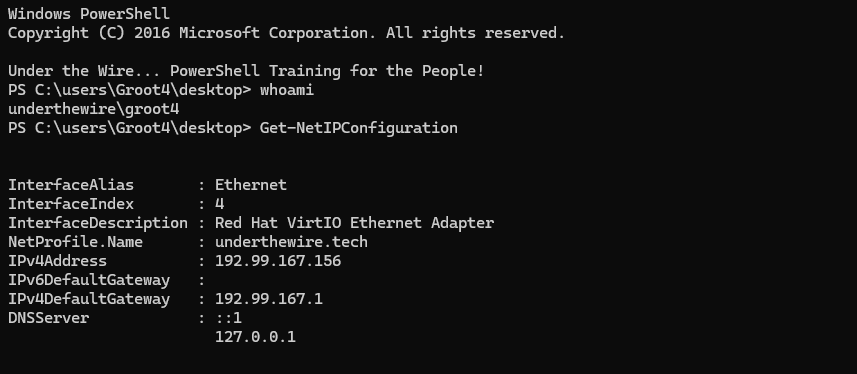
Get-ChildItem HKCU:\ -Recurse -ErrorAction SilentlyContinue | Where-Object {$_.Name -like '*Drax*'}-Filter parameter instead of piping to Where-Object for better performance. However, the registry provider does not allow -Name '*Drax*' or -Filter '*Drax*' or other such mechanisms.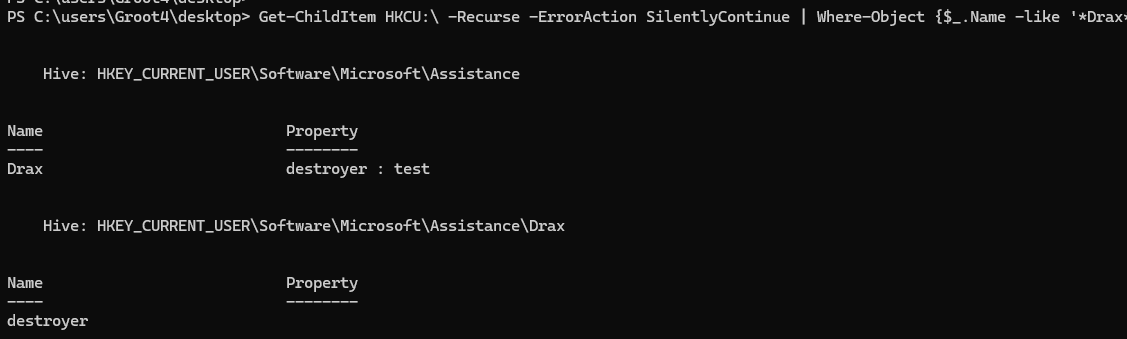
destroyerPassword for groot5
exitGroot 5 -> 6
The password for groot6 is the name of the workstation that the user with a username of “baby.groot” can log into as depicted in Active Directory PLUS the name of the file on the desktop.
ssh groot5@groot.underthewire.tech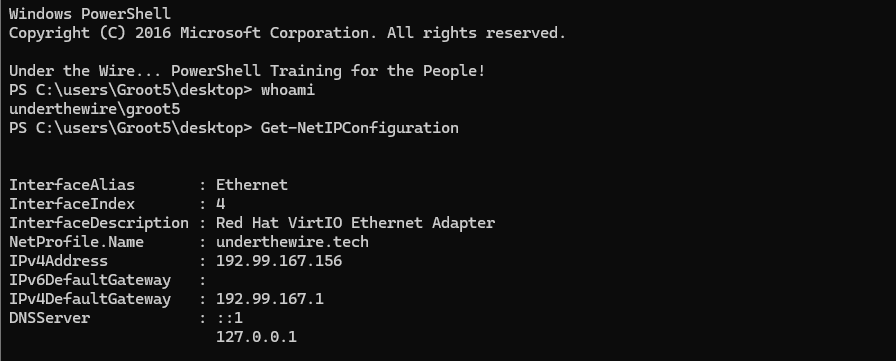
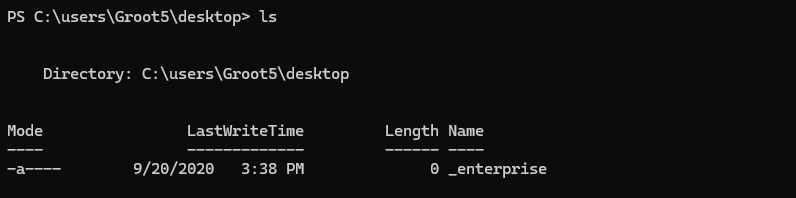
Get-ADUser -Filter 'samAccountName -like "baby.groot"' -Properties userWorkstations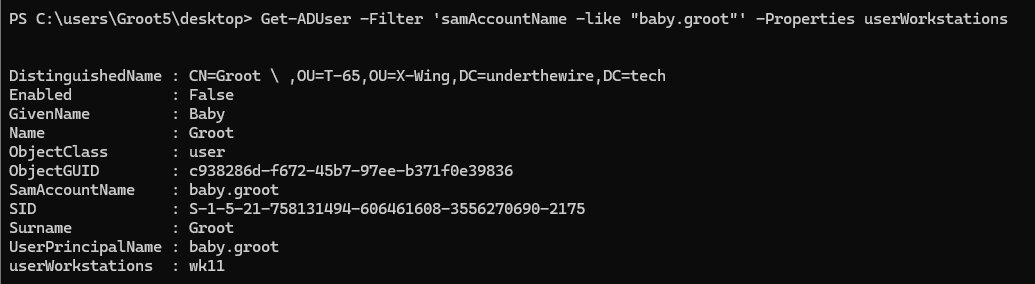
wk11(Get-ADUser -Filter 'samAccountName -like "baby.groot"' -Properties userWorkstations).userWorkstations + (ls -File).NameOne-liner to output password of groot6
wk11_enterprisePassword for groot6
exitGroot 6 -> 7
The password for groot7 is the name of the program that is set to start when this user logs in PLUS the name of the file on the desktop.
ssh groot6@groot.underthewire.tech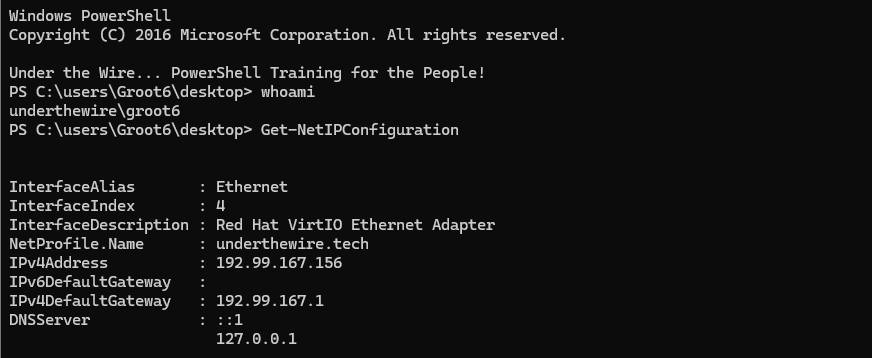
Get-CimInstance Win32_StartupCommand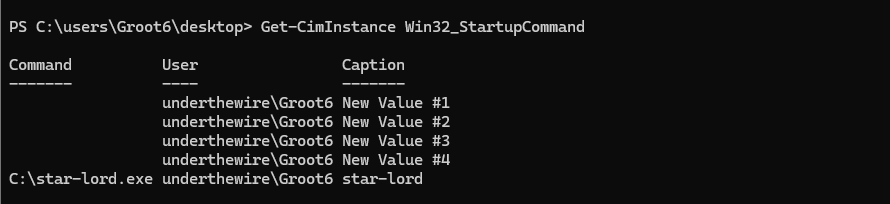
Get-CimInstance Win32_StartupCommand -Filter 'not Command like ""'
(Get-CimInstance Win32_StartupCommand -Filter 'not Command like ""').Command.Split('\\')[1].Split('\.')[0] + (ls -File).NameOne liner to output the password for groot7
I'll explain the command in a series of bullet points:
- The first
.Split('\\')[1]takesC:\star-lord.exeand splits it into:C:— index0star-lord.exe— index1
- The second
.Split('\.')splitstar-lord.exeinto:star-lord— index0exe— index1
- Then we concatenate
+with the name of the file on the Desktop
star-lord_rulesPassword for groot7
exitGroot 7 -> 8
The password for groot8 is the name of the dll, as depicted in the registry, associated with the “applockerfltr” service PLUS the name of the file on the desktop.
ssh groot7@groot.underthewire.tech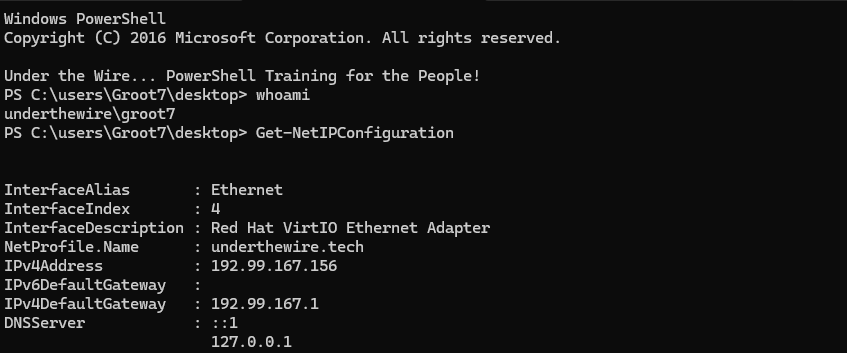
Get-ChildItem 'HKLM:\SYSTEM\CurrentControlSet\Services' | Where-Object {$_.Name -like '*applocker*'}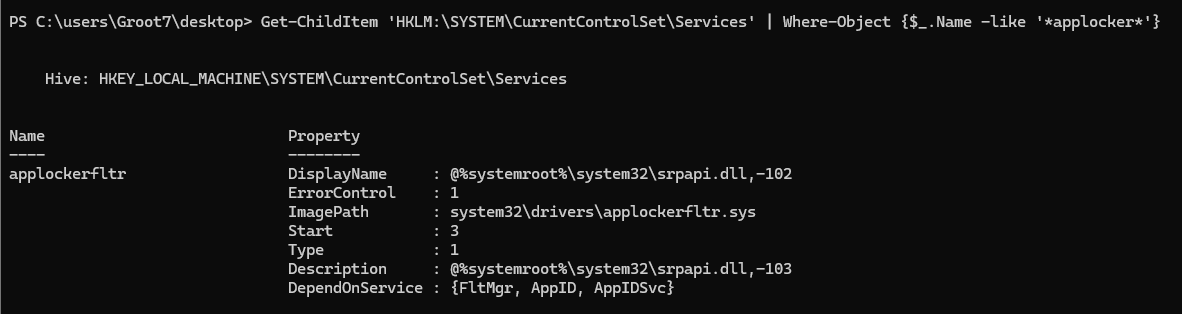
HKLM:\SYSTEM\CurrentControlSet\ServicesGet-ChildItem 'HKLM:\SYSTEM\CurrentControlSet\Services' | Where-Object {$_.Name -like '*applocker*'} | Get-ItemProperty -Name DisplayName
DisplayName property(Get-ChildItem 'HKLM:\SYSTEM\CurrentControlSet\Services' | Where-Object {$_.Name -like '*applocker*'} | Get-ItemProperty -Name DisplayName).DisplayName.Split('\\')[-1].Split('\.')[0] + (ls -File).NameOne-liner to output the password for groot8
\ in the file path and then choose index -1, we're choosing the last item in the array, which in this case is srpapi.dll,-102.srpapi_homePassword for groot8
exitGroot 8 -> 9
The password for groot9 is the description of the firewall rule blocking MySQL PLUS the name of the file on the desktop.
ssh groot8@groot.underthewire.tech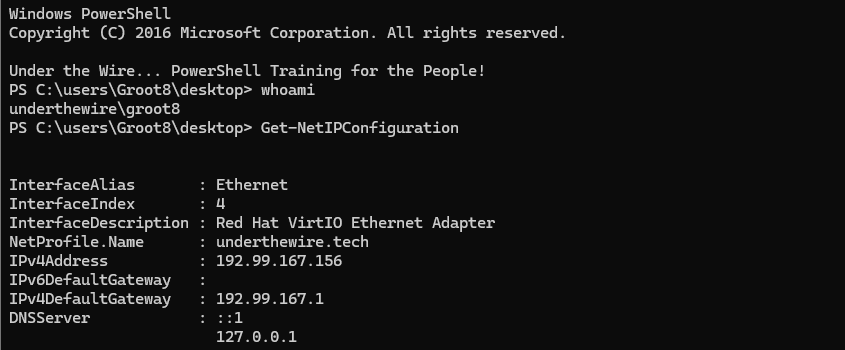
Get-NetFirewallRule -Action Block | Where-Object {$_.DisplayName -like '*mysql*'}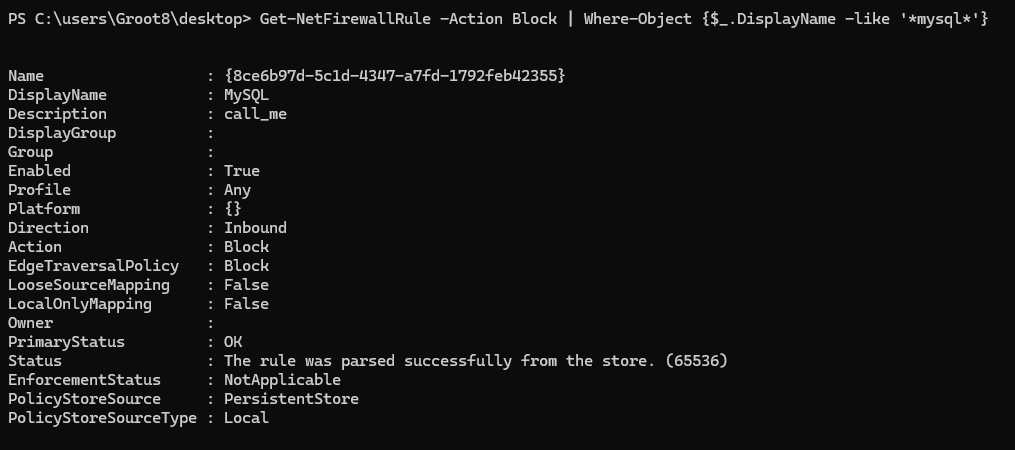
(Get-NetFirewallRule -Action Block | Where-Object {$_.DisplayName -like '*mysql*'}).Description + (ls -File).NameOne-liner to output password for groot9
call_me_starlordPassword for groot9
exitGroot 9 -> 10
The password for groot10 is the name of the OU that doesn’t have accidental deletion protection enabled PLUS the name of the file on the desktop.
ssh groot9@groot.underthewire.tech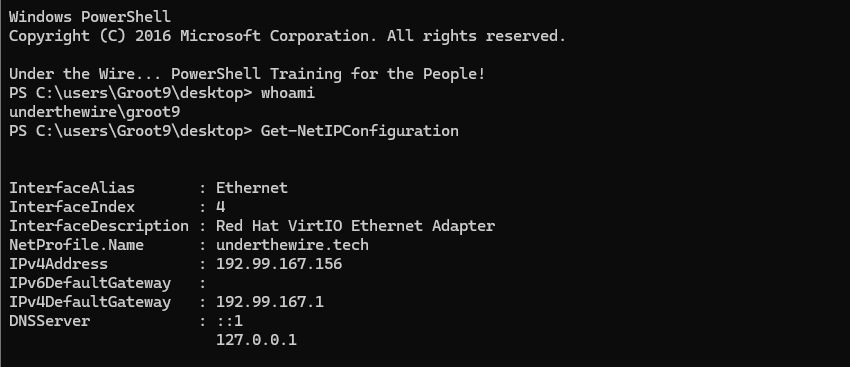
Get-ADOrganizationalUnit -Filter * -Properties * | Get-Member -Name '*del*'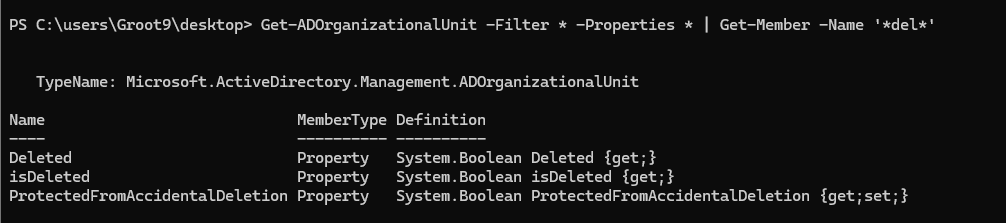
Get-Member cmdlet and search for object properties containing the characters delGet-ADOrganizationalUnit -Filter * -Properties ProtectedFromAccidentalDeletion | Where-Object {-not $_.ProtectedFromAccidentalDeletion}-Filter 'ProtectedFromAccidentalDeletion -like "False"' but filtering on extended attributes is not supported, so pipe to Where-Object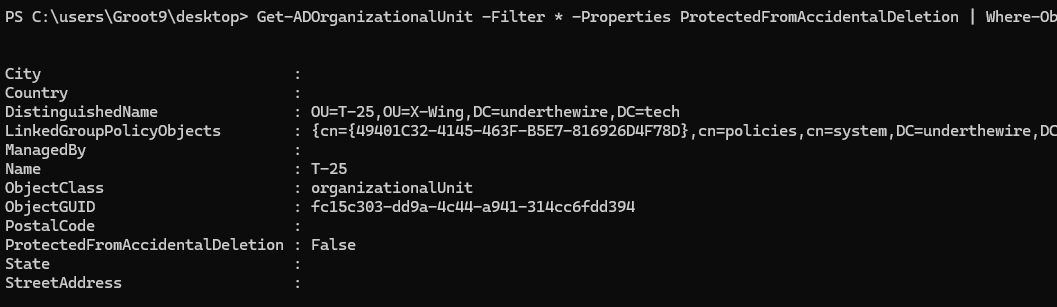
(Get-ADOrganizationalUnit -Filter * -Properties ProtectedFromAccidentalDeletion | Where-Object {-not $_.ProtectedFromAccidentalDeletion}).Name.ToLower() + (ls -File).NameOne-liner to output password for groot10
t-25_testerPassword for groot10
exitGroot 10 -> 11
The password for groot11 is the one word that makes the two files on the desktop different.
ssh groot10@groot.underthewire.tech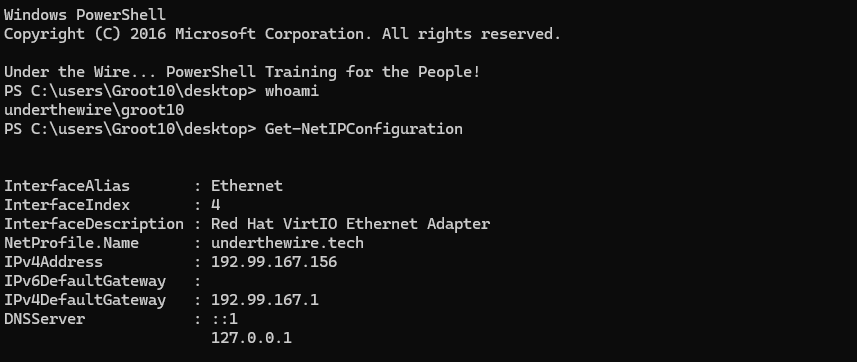
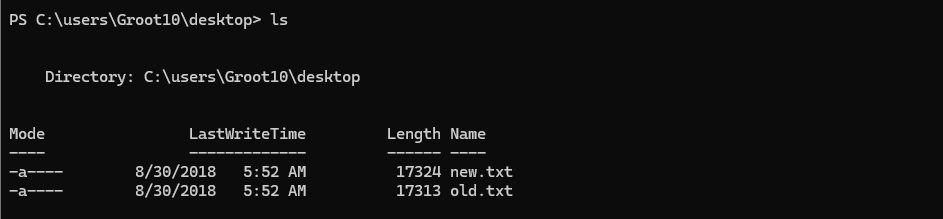
Compare-Object (cat new.txt) (cat old.txt)
taserfacePassword for groot11
exitGroot 11 -> 12
The password for groot12 is within an alternate data stream (ADS) somewhere on the desktop.
ssh groot11@groot.underthewire.tech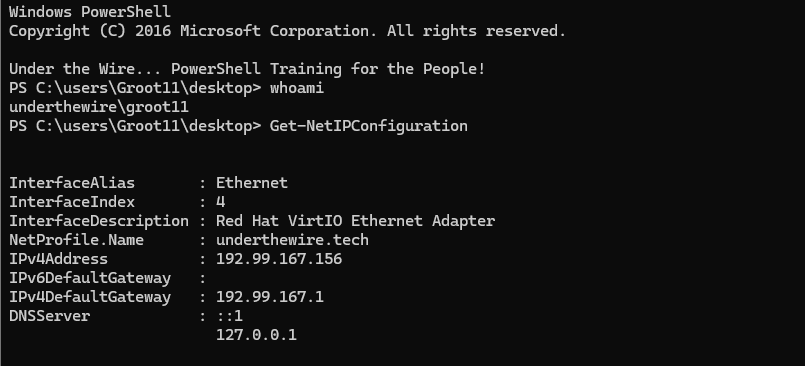
Get-ChildItem -File | Get-Item -Stream * | Select-Object FileName, Stream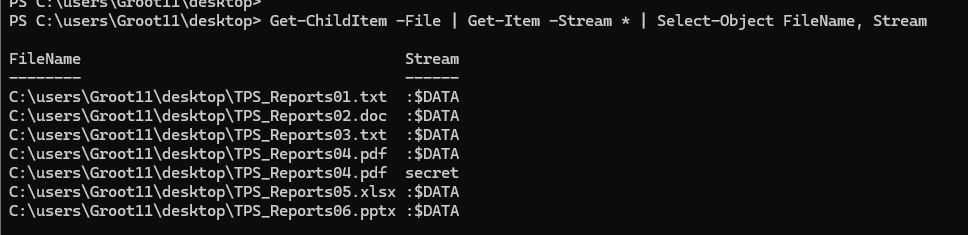
secretGet-Content C:\users\Groot11\desktop\TPS_Reports04.pdf -Raw -Stream secretspaceshipsPassword for groot12
exitGroot 12 -> 13
The password for groot13 is the owner of the Nine Realms folder on the desktop.
ssh groot12@groot.underthewire.tech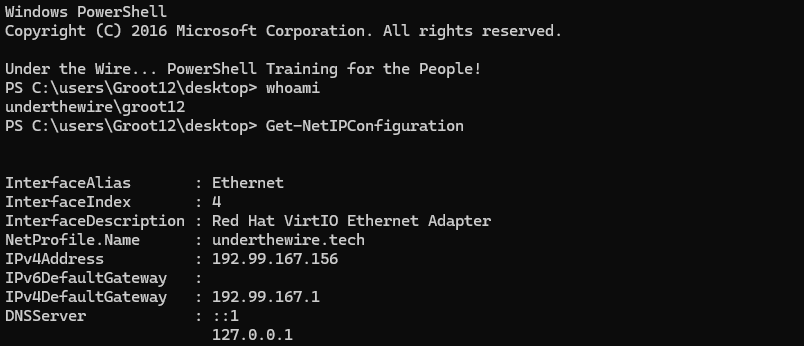
Get-Acl '.\Nine Realms'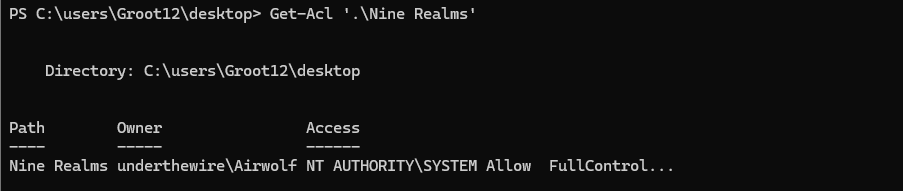
(Get-Acl '.\Nine Realms' | Select-Object -ExpandProperty Owner).Split('\\')[1].ToLower()One-liner to output password for groot13
airwolfPassword for groot13
exitGroot 13 -> 14
The password for groot14 is the name of the Registered Owner of this system as depicted in the Registry PLUS the name of the file on the desktop.
ssh groot13@groot.underthewire.tech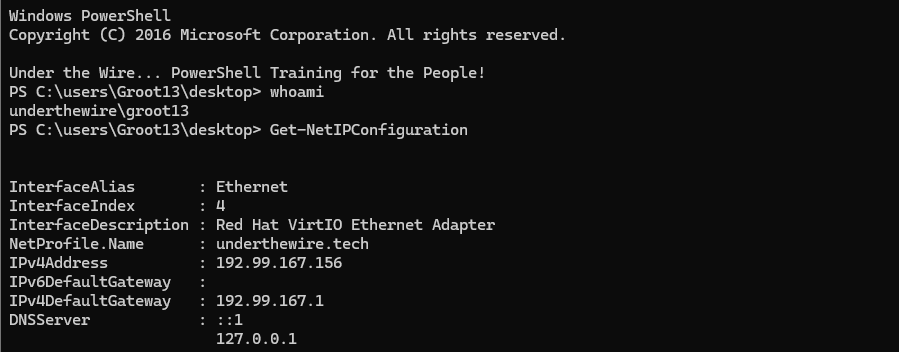
Get-Item 'HKLM:\SOFTWARE\Microsoft\Windows NT\CurrentVersion'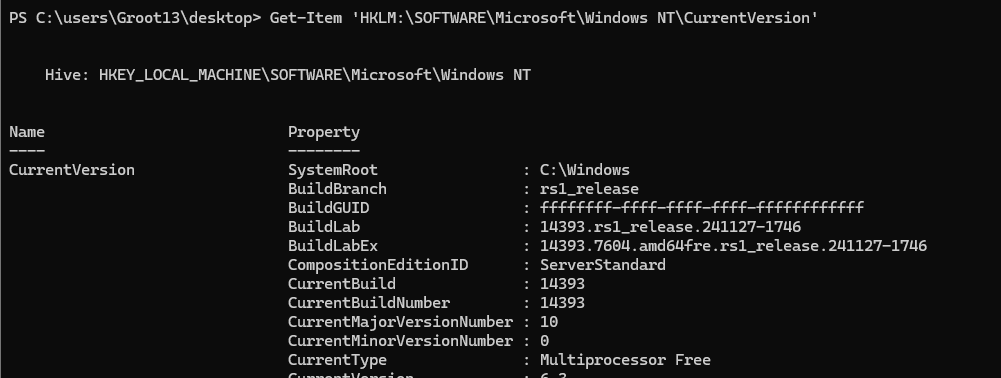
Get-Item 'HKLM:\SOFTWARE\Microsoft\Windows NT\CurrentVersion' | Get-ItemProperty -Name 'RegisteredOwner'
(Get-Item 'HKLM:\SOFTWARE\Microsoft\Windows NT\CurrentVersion' | Get-ItemProperty -Name 'RegisteredOwner').RegisteredOwner.ToLower() + (ls -File).NameOne-liner to output password for groot14
utw_team_nedPassword for groot14
exitGroot 14 -> 15
The password for groot15 is the description of the share whose name contains “task” in it PLUS the name of the file on the desktop.
ssh groot14@groot.underthewire.tech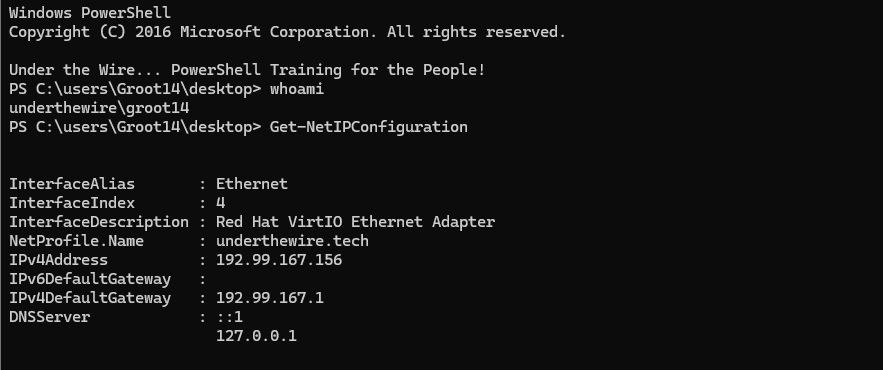
Get-SmbShare -Name Task*
(Get-SmbShare -Name Task*).Description + (ls -File).NameOne-liner to output password for groot15
scheduled_things_8Password for groot15
exit